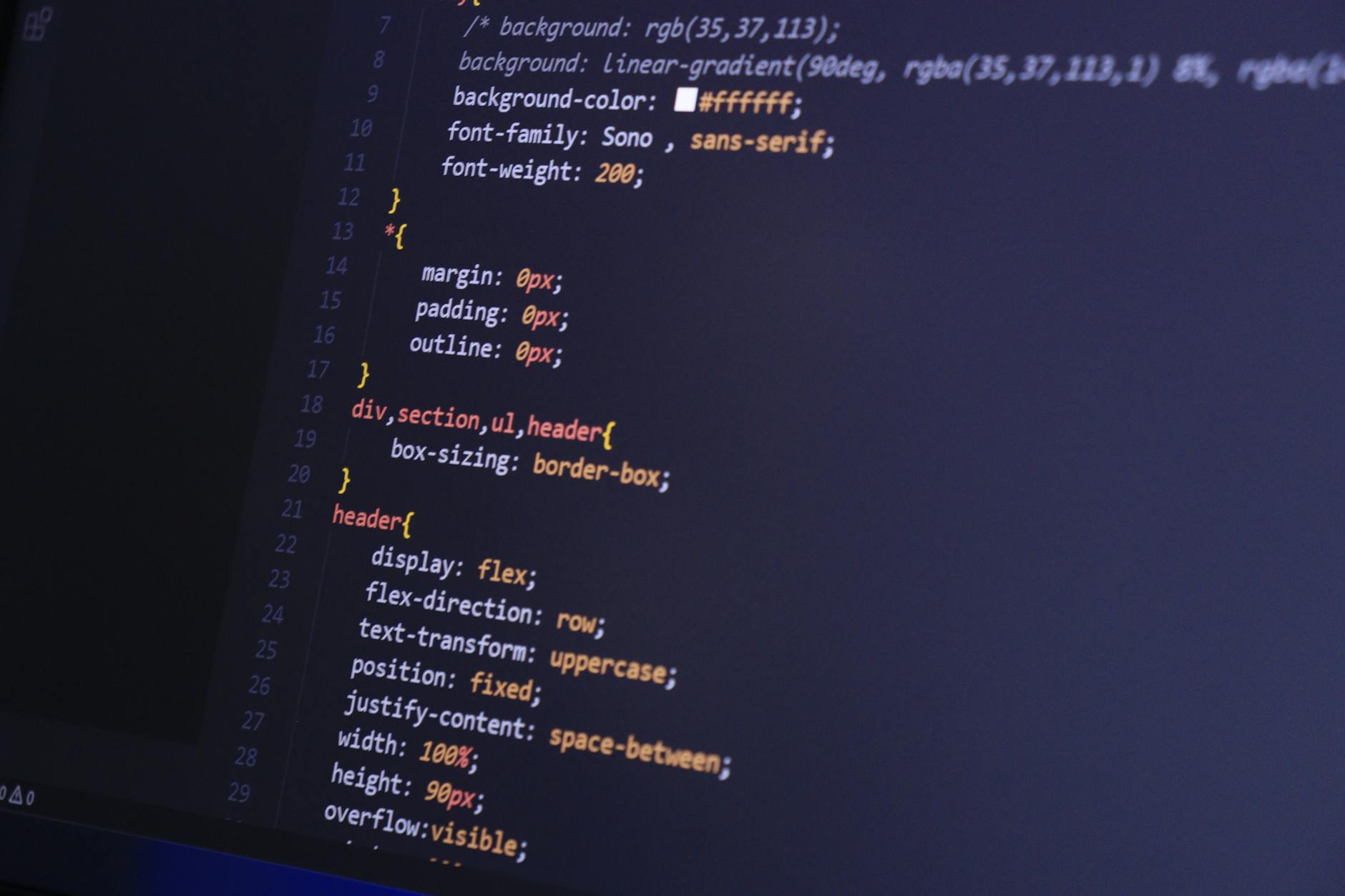
Typeface Alchemy: How to Mix Variable Fonts and System Stacks for Maximum Speed
In the world of web performance, every millisecond counts. As developers and designers, we often find ourselves caught in a tug-of-war between aesthetic excellence and raw speed. For years, the solution was either "system fonts" (fast but boring) or "web fonts" (beautiful but heavy).
Today, we have entered the age of Typeface Alchemy. By mixing the flexibility of Variable Fonts with the zero-latency of System Stacks, we can create digital experiences that feel bespoke while maintaining a lightning-fast Core Web Vitals score.
The Ingredients: What We Are Working With
To understand this alchemy, we must first look at our base materials.
1. Variable Fonts (The Flexible Gold)
Unlike traditional web fonts where each weight (Bold, Light, Italic) requires a separate file download, a Variable Font (OpenType Variable Fonts) packs everything into a single, efficient file. By using axes like wght (weight), wdth (width), and ital (italic), you can transition between styles with pure CSS.
2. System Stacks (The Instant Base)
System fonts are already living on your user's device. Whether it’s San Francisco on macOS, Segoe UI on Windows, or Roboto on Android, these fonts cost zero bytes to download. They are the bedrock of performance.
The Formula: How to Mix Them
The secret to Typeface Alchemy is not choosing one over the other; it is using them where they shine brightest.
Step 1: Variable Fonts for Impact
Use variable fonts for high-impact areas like headings, hero sections, and navigation. Because you only need one file to achieve five different weights, you save significant HTTP requests while maintaining a strong brand identity.
@font-face {
  font-family: 'Inter Variable';
  src: url('/fonts/Inter-VariableFont_slnt,wght.woff2') format('woff2');
  font-weight: 100 900;
  font-display: swap;
}

h1 {
  font-family: 'Inter Variable', sans-serif;
  font-weight: 850; /* A precise weight you couldn't get with standard fonts */
}
Step 2: System Stacks for the "Heavy Lifting"
For long-form body text, the human eye craves familiarity and the browser craves speed. System fonts are optimized for their respective screens and require no layout shift (CLS) because they are already there.
body {
  font-family: -apple-system, BlinkMacSystemFont, "Segoe UI", Roboto,
               Helvetica, Arial, sans-serif, "Apple Color Emoji";
  line-height: 1.6;
  color: #1a1a1a;
}

Eliminating Layout Shift with size-adjust
One of the biggest risks of mixing fonts is the "jump" that happens when a web font finally loads and replaces the system font. This is known as Cumulative Layout Shift (CLS).
Modern CSS provides a magical tool called @font-face descriptors. By using size-adjust, you can scale your system font to match the proportions of your variable font, making the transition seamless.
/* Adjusting the fallback to match the variable font's footprint */
@font-face {
  font-family: 'Inter-Fallback';
  src: local('Arial');
  size-adjust: 107%;
  ascent-override: 95%;
}

h1 {
  font-family: 'Inter Variable', 'Inter-Fallback', sans-serif;
}
Why This Matters for 2026
As search engines increasingly prioritize User Experience (UX), performance is no longer a "nice-to-have." By implementing Typeface Alchemy, you gain three major advantages:
- Lower Data Consumption: Users on limited mobile plans will thank you for not forcing them to download 500KB of font files.
- Perceived Speed: By using system stacks for body text, the content is readable the instant the HTML is parsed.
- Design Freedom: Variable fonts allow for micro-animations—imagine a heading that subtly becomes bolder as the user scrolls.
Conclusion
Typeface Alchemy is about balance. We use the "Gold" of Variable Fonts to capture attention and the "Iron" of System Stacks to provide stability and speed. By mastering this mix, you aren't just building a faster website; you are building a more resilient, accessible, and beautiful web.
Start by auditing your current site: Do you really need five different weights of a static web font for your body copy? Or could a refined system stack do the job better? The answer might just save you half a second on your load time.
Photo by Bibek ghosh on Pexels