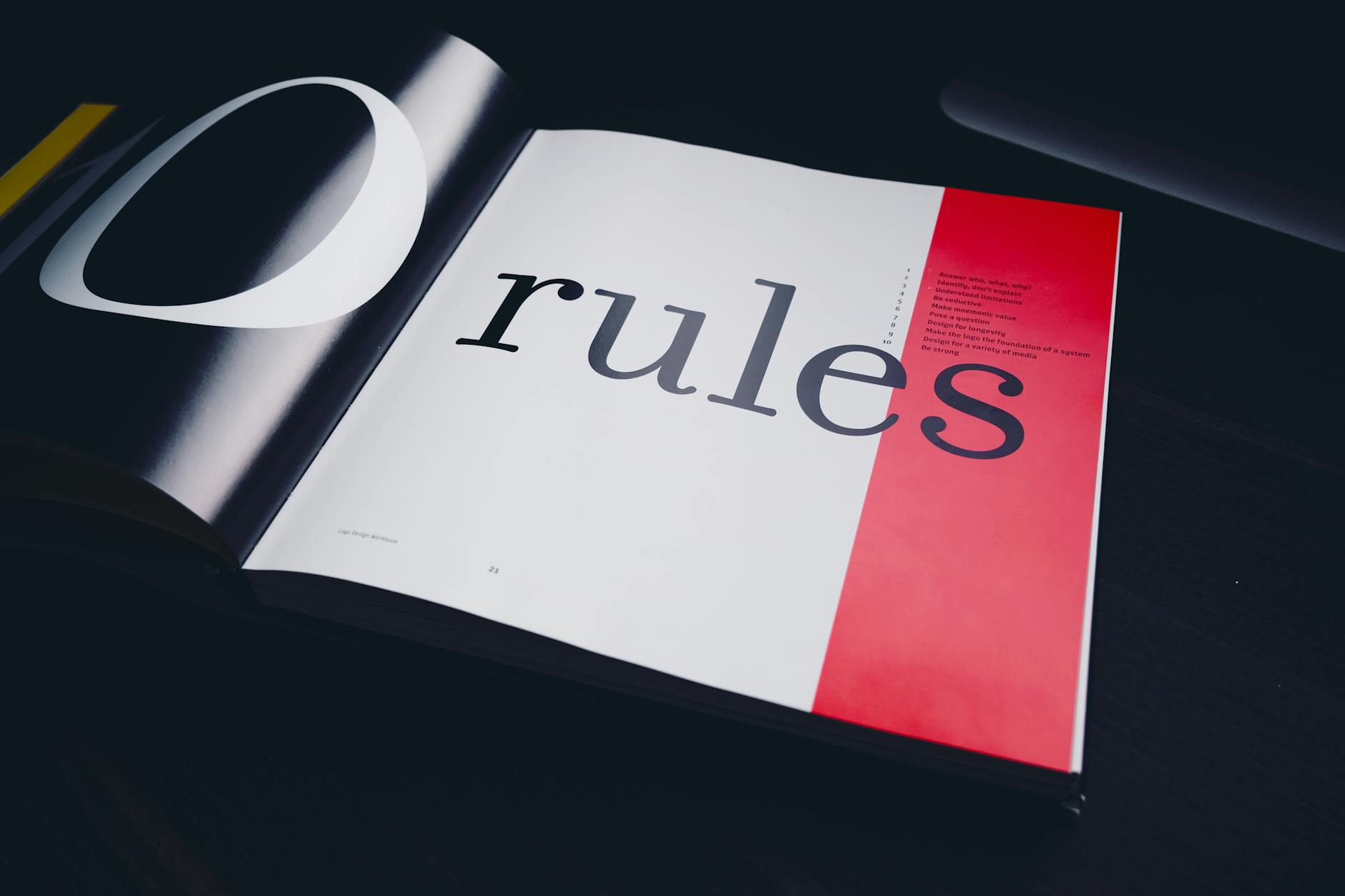
The Art of the Odd Couple: Mastering High-Contrast Font Pairing for Modern SaaS
For years, the "SaaS aesthetic" was defined by a safe, homogenized minimalism. Every landing page seemed to use the same stack: a clean geometric sans-serif (like Inter or Circular), generous white space, and soft blue buttons. While this approach is functional, it has led to a "sea of sameness."
Enter the "Odd Couple": the practice of pairing high-contrast typefaces to create visual friction, character, and a sense of premium authority. When done correctly, high-contrast font pairing can make your software feel less like a tool and more like an experience.
Why Contrast Matters in UI/UX
Contrast is the primary driver of visual hierarchy. When two fonts look too similar—for example, pairing Helvetica with Arial—the result is a "clash." The eye senses a difference but can’t quite place it, leading to a feeling of visual discomfort or "muddiness."
By choosing fonts from entirely different families, you provide clear signals to the user. You are telling them: This is a headline (personality), and this is the data (utility).
1. The Editorial Edge: Serif + Geometric Sans
The most popular high-contrast trend in modern SaaS is pairing a sophisticated Serif for headings with a highly legible Geometric Sans for body text and UI elements.
- The Vibe: Authoritative, trustworthy, and established.
- Best for: Fintech, Legal-tech, or high-end Project Management tools.
- Example Pairing: Fraunces (Heading) + Inter (Body).
2. The Engineer’s Aesthetic: Monospace + Humanist Sans
If your product is technical—API documentation, developer tools, or data platforms—contrast can be used to distinguish between "human" content and "machine" content.
- The Vibe: Precise, utilitarian, and transparent.
- Best for: DevTools, Analytics, and Security platforms.
- Example Pairing: IBM Plex Mono (Heading/Labels) + Open Sans (Body).
The Technical Implementation
When implementing high-contrast pairings in a modern web app, you need to manage your CSS variables carefully to ensure performance doesn't suffer from loading too many font weights.
:root {
  /* The Serif - Heavy and full of character */
  --font-display: 'Playfair Display', serif;

  /* The Sans - Clean and optimized for small screens */
  --font-body: 'Inter', system-ui, sans-serif;
}

h1, h2, .hero-text {
  font-family: var(--font-display);
  font-weight: 700;
  letter-spacing: -0.02em;
  line-height: 1.1;
}

body, p, .button-text {
  font-family: var(--font-body);
  font-weight: 400;
  line-height: 1.6;
  color: #333;
}

The Golden Rules of "Odd Coupling"
To master the art of the odd couple, you must follow a few non-negotiable rules:
Check the X-Height
If you are switching between fonts within a single line (like a bolded word in a paragraph), ensure their x-heights (the height of the lowercase "x") are similar. If one looks significantly smaller than the other, the line will look "bumpy."
Limit Your Personalities
High contrast doesn't mean high chaos. Stick to two families. One font should be the "Star" (usually the display/heading font with lots of character), and the other should be the "Support" (the highly legible workhorse).
Test for Readability on Mobile
Serifs with extremely thin strokes (like some weights of Bodoni) can disappear on low-resolution mobile screens. Always check that your high-contrast pairing holds up when the viewport shrinks and the backlight dims.
Conclusion
Mastering font contrast is about more than just aesthetics; it’s about communication. By pairing a traditional Serif with a modern Sans, or a cold Monospace with a warm Humanist face, you create a brand voice that is multi-dimensional. In an era where every SaaS looks the same, the "Odd Couple" might be exactly what your brand needs to stand out.
Photo by Egor Komarov on Pexels