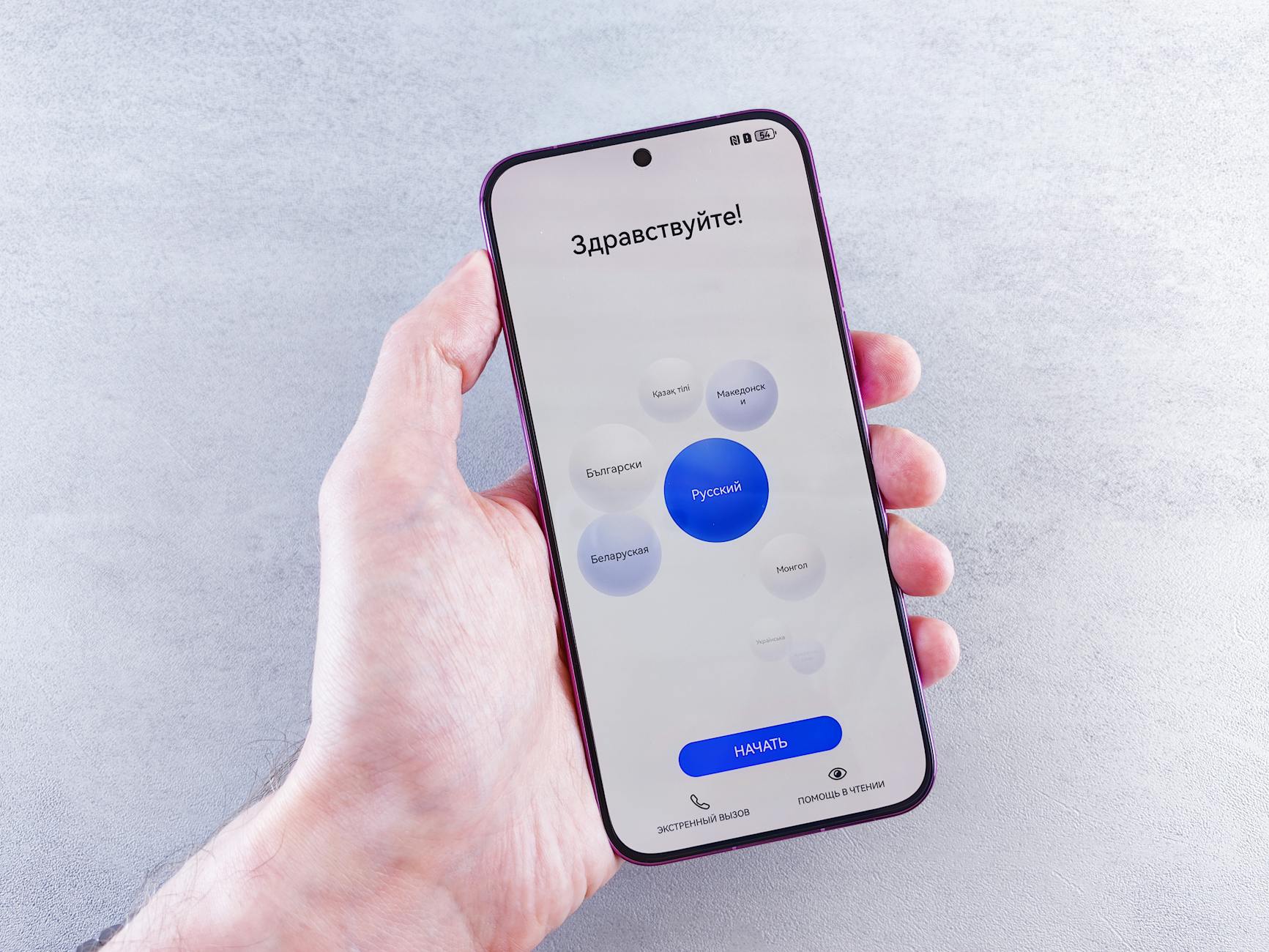
The Art of Invisibility: Why Your UI Typography Should Be Felt, Not Seen
In the world of User Interface (UI) design, there is a paradox that every great designer eventually confronts: the better your typography is, the less your users will actually notice it.
We often think of design as a way to "wow" the audience, but when it comes to type, "wow" can often be a distraction. Typography is the primary vehicle for information. If a user stops to think, "What an interesting font choice," they have—even for a split second—stopped processing your message. This is the core of the "Crystal Goblet" theory, a concept introduced by Beatrice Warde in 1930, which argues that typography should be a transparent vessel for the content it contains.
The Goal of Invisible Typography
Invisible typography isn't about being boring; it's about reducing cognitive load. When typography is "felt," the user navigates your application with ease. They find the "Buy" button instantly, they digest long-form articles without eye strain, and they understand the hierarchy of information instinctively.
When typography is "seen" (in the wrong way), it usually means there is friction. Perhaps the line height is too tight, the contrast is too low, or the typeface is too idiosyncratic for functional use.
The Foundations of Readability
To achieve invisibility, you must master the technical aspects that allow the human eye to glide over text without resistance.
1. Hierarchy and Scale
A clear visual hierarchy tells the user what is important before they even read a single word. By using a consistent type scale, you create a rhythm that the brain can map out quickly.
2. Line Height and Line Length
The "golden ratio" of line height is typically between 1.4 and 1.6 times the font size. Anything tighter feels claustrophobic; anything looser feels disconnected. Similarly, keeping line lengths between 45 and 75 characters prevents the eye from getting lost when jumping from the end of one line to the start of the next.
3. The Power of System Fonts
While custom brand fonts are great for marketing sites, UI typography often benefits from system fonts (like San Francisco for iOS or Segoe UI for Windows). These fonts are designed for maximum legibility on their respective screens and feel "invisible" because the user is already accustomed to them.
Implementing "Invisibility" with CSS
In modern web development, achieving this balance requires more than just picking a font. It requires careful attention to CSS properties that affect the rendering and flow of text.
/* Example of a highly readable, 'invisible' body style */
.article-content {
  font-family: -apple-system, BlinkMacSystemFont, "Segoe UI", Roboto, sans-serif;
  font-size: 1.125rem; /* 18px */
  line-height: 1.6;
  color: #1a1a1a;
  max-width: 65ch; /* Limits line length for better readability */
  letter-spacing: -0.011em; /* Subtle adjustment for digital screens */
  -webkit-font-smoothing: antialiased;
}

h1, h2, h3 {
  font-weight: 700;
  line-height: 1.2;
  margin-top: 2rem;
  color: #000;
}

Why Contrast Matters More Than Color
One of the most common mistakes in UI design is sacrificing legibility for a "minimalist" aesthetic, often leading to light gray text on white backgrounds. To make typography invisible, the contrast must be high enough that the user never has to squint.
The WCAG (Web Content Accessibility Guidelines) suggest a contrast ratio of at least 4.5:1 for normal text. When you hit this sweet spot, the text doesn't feel like an obstacle; it feels like a natural part of the interface.
The "Vibe" Factor
Just because typography is invisible doesn't mean it's devoid of character. The "feeling" of typography comes from its x-height, its terminal shapes, and its weight.
- A geometric sans-serif (like Futura or Montserrat) feels modern and clean.
- A humanist sans-serif (like Open Sans or Lucida Grande) feels friendly and accessible.
- A high-quality serif (like Playfair Display or Merriweather) feels authoritative and traditional.
The goal is to match the "vibe" to the application's purpose so perfectly that the choice feels inevitable.
Conclusion
The art of invisibility is a masterclass in restraint. It’s about putting the user’s needs above the designer's ego. When you prioritize spacing, hierarchy, and legibility, you create a seamless bridge between the user and the data.
Next time you work on a UI, don't ask yourself if the typography looks "cool." Ask yourself if it disappears. If the user completes their task without ever noticing the letters that guided them there, you’ve done your job perfectly.
Photo by Andrey Matveev on Pexels